
Quilt geometry. Natural wood.
Wood Designer
Create a wooden barn quilt that brings geometric patterns to life through the color, texture and grain of real wood.
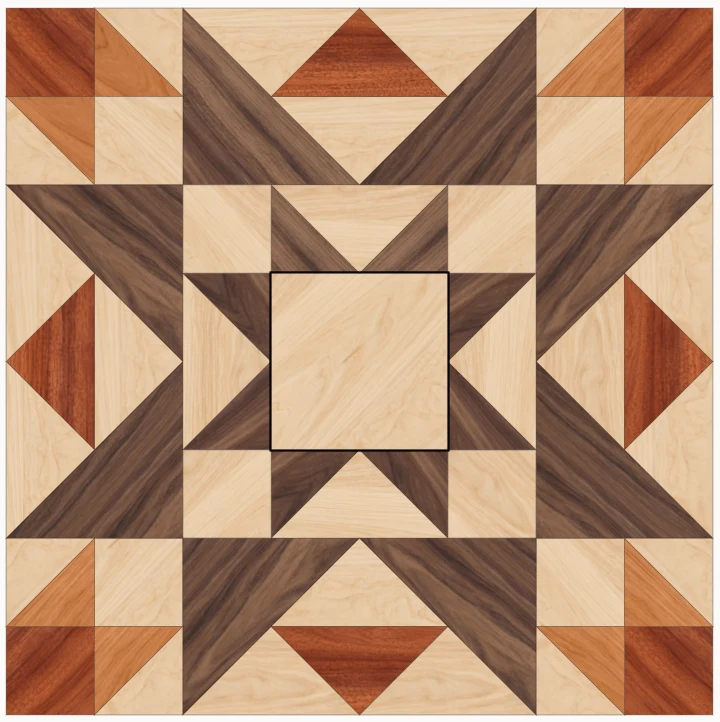
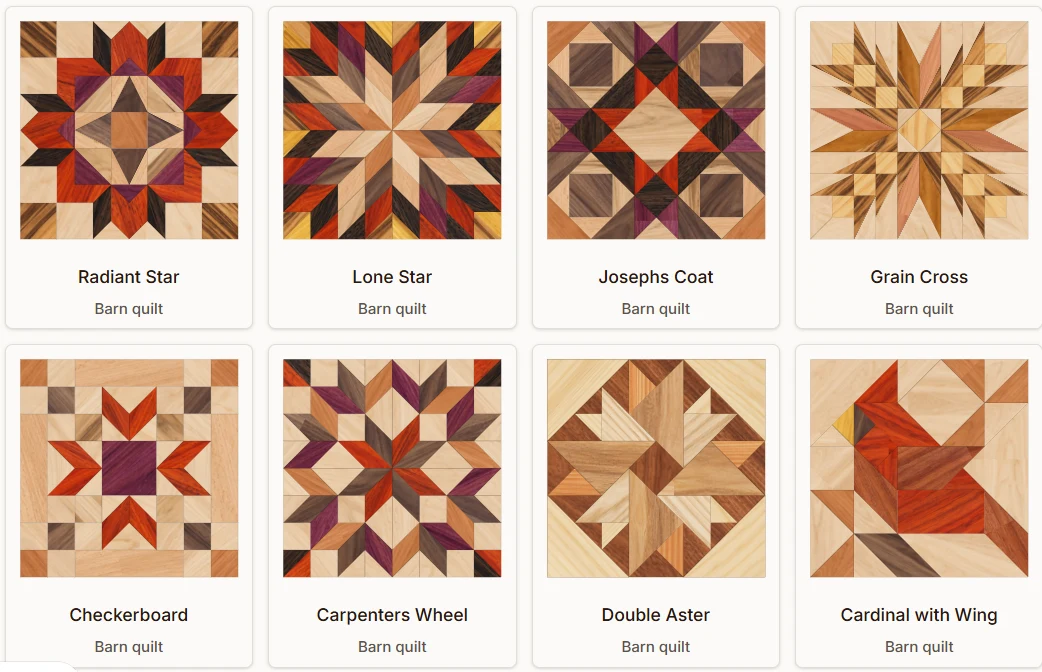
Find your starting pattern
Browse the wood pattern library for a design that suits your space. Start with its suggested woods or an unfilled outline, then make the material choices your own.
Let the wood do the coloring
Compare real wood species in the preview. Change a whole zone or an individual piece, rotate the grain, and explore light and dark contrasts before choosing your materials.
- Choose woods with natural color and texture
- Preview grain direction in each piece
- Set the overall size for your project
- Add a simple inset wood border
- Lock favorite choices while exploring combinations
- Save designs and return to them with membership
From your design to your workbench
Designer Membership includes personalized wood PDF plans: a finished-design reference, cut lists grouped by wood species with shapes, dimensions and quantities, and assembly maps showing where each wood belongs. These are wood-building plans—not painted drawing grids or Paint Maps.
See the finished piece
Keep a large reference of the complete design beside your project.
Prepare your cuts
Organize pieces by wood type with measured shape diagrams and counts.
Bring it together
Follow wood-grain assembly maps to place each species in the finished pattern.
Before you begin
Can I try Wood Designer for free?
Yes. Explore patterns and try limited customization before joining. Membership unlocks continued editing, saved designs, cut lists and assembly maps.
Will my wood look exactly like the preview?
Every board is unique. The preview uses real wood samples to help you compare species and grain, but your finished piece will have its own natural variations.